Nightingale (Night Owl) Effective Configuration
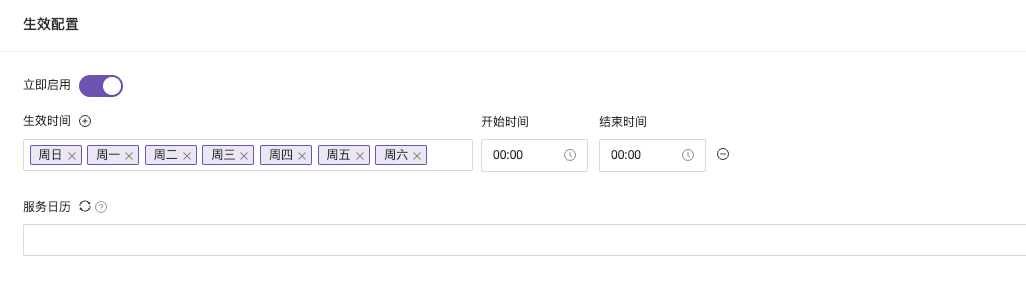
Immediate Activation
Enable or disable alert rules. If an alert rule has already triggered an alert event, manually disabling the alert before receiving the recovery alert will prevent the recovery alert from being received.
Effective Time
Effective time allows you to specify the date for which the alert will be effective, and you can further refine the hours and minutes of the effective alert logs.
Scenario 1: Set the alert to be effective every Monday, Wednesday, and Friday from 9 AM to 6 PM.

Scenario 2: Configure the alert across midnight from 11 PM Sunday to 2 AM Monday.
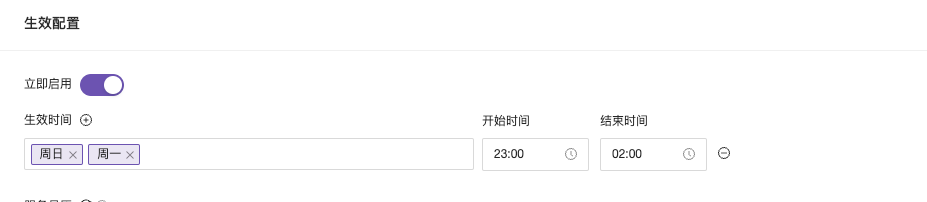
Final Implementation Result

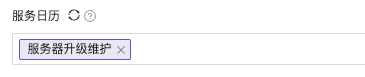
Service Calendar (Commercial Version Feature)
Service logs are alert effective times based on the day, month, and year. In alert rules, you can select pre-configured service calendars. Refer to the service calendar here.