
Nightingale Create Temporary Tasks
Tasks in self-healing alarms can execute commands on machines where Categraf is located, returning execution results from the platform to the target machine.
Scenario 1: Replace Configuration File
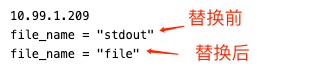
In our work, we often manage many servers. If we need to modify configuration files across multiple servers, we can use temporary tasks. First, replace keywords in the file, replacing stdout with file, as shown in the image below.

After executing the temporary task, check the results in the stdouts, as shown below.
Scenario 2: Restart Server Processes in Bulk
In some cases, we may need to urgently restart one or more services. Temporary tasks can also be used for this. For example, I need to remotely restart the datanode3 service.
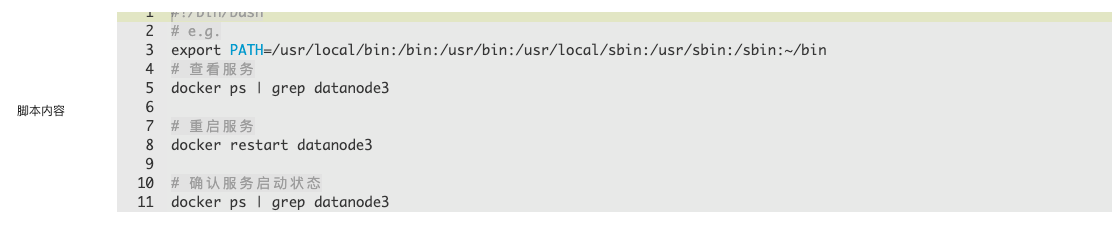
Once the task is complete, check the results in stdouts, and you will see that the datanode3 service has been successfully restarted.







