Introduction to Nightingale's Variable Settings functionality
Configuration Description
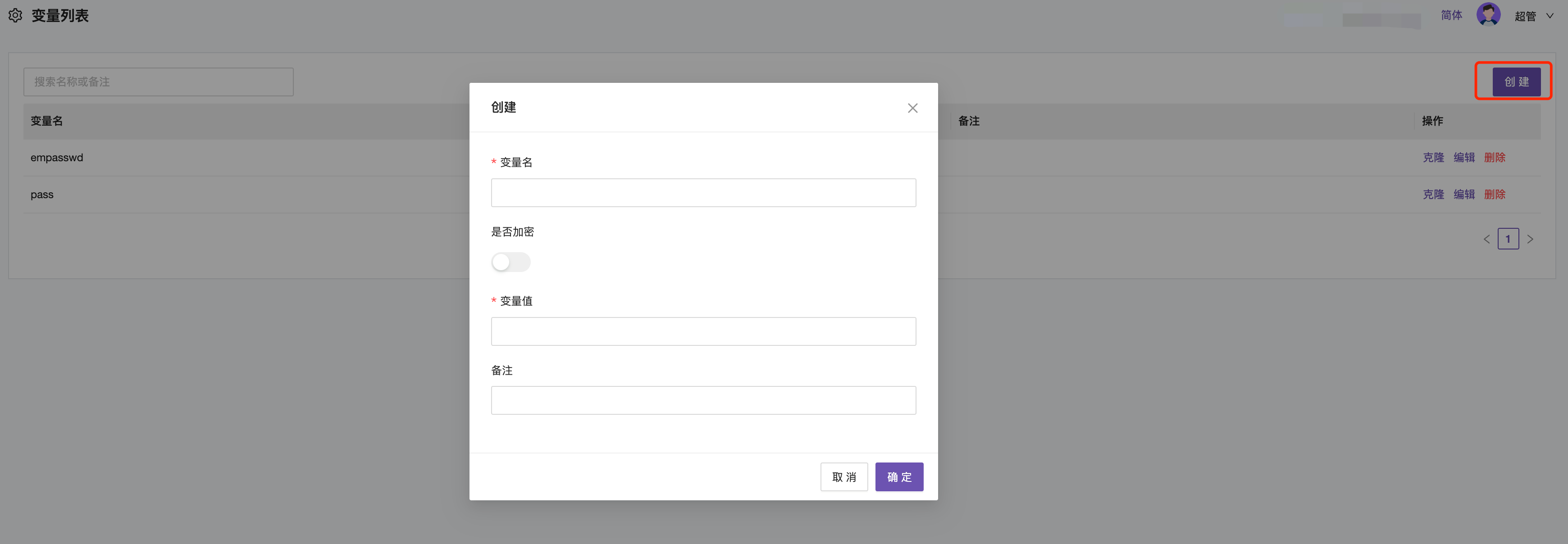
Create, modify, and delete variables in the Variable Settings menu.
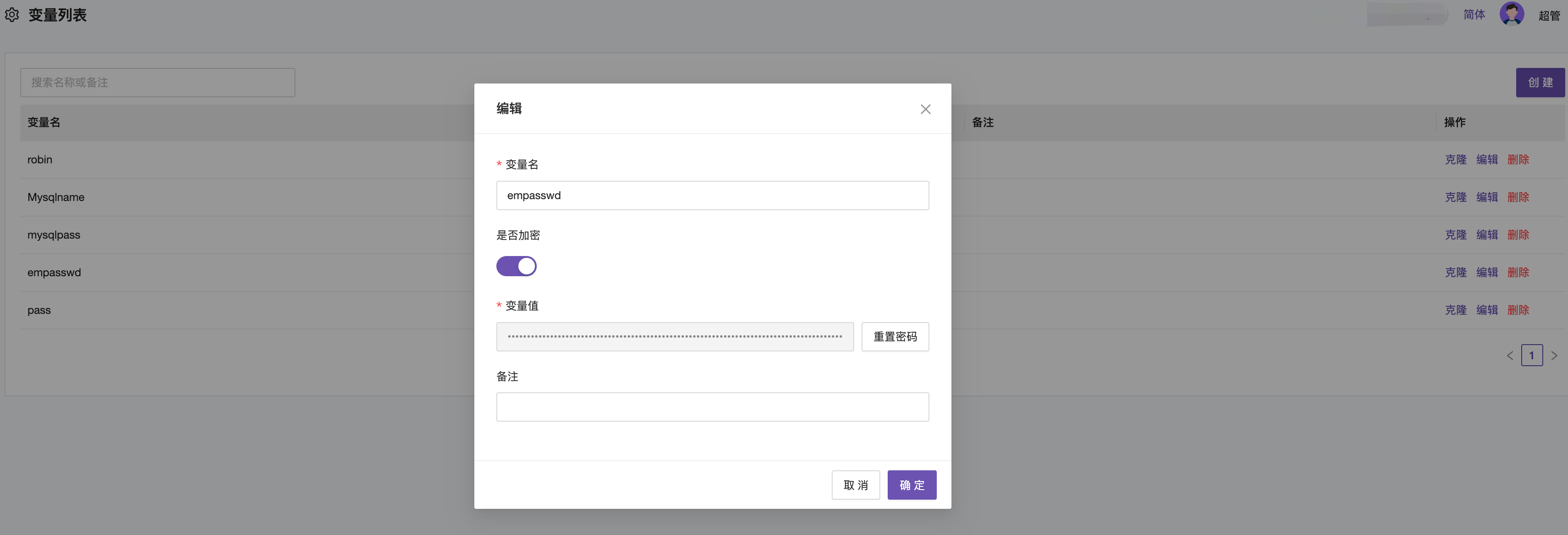
The Encrypt option determines whether to display the password in plain text. It is recommended to choose encryption for sensitive information. After encryption, even administrators cannot view the password.

Usage Scenarios
Variables are generally used to mask sensitive information during configuration, such as the Pass field in SMTP, and the TcSecretKey field in Tencent Cloud and Alibaba Cloud. Variables can also be used when deploying Categraf configurations.
-
Creating variables used in SMTP configuration
-
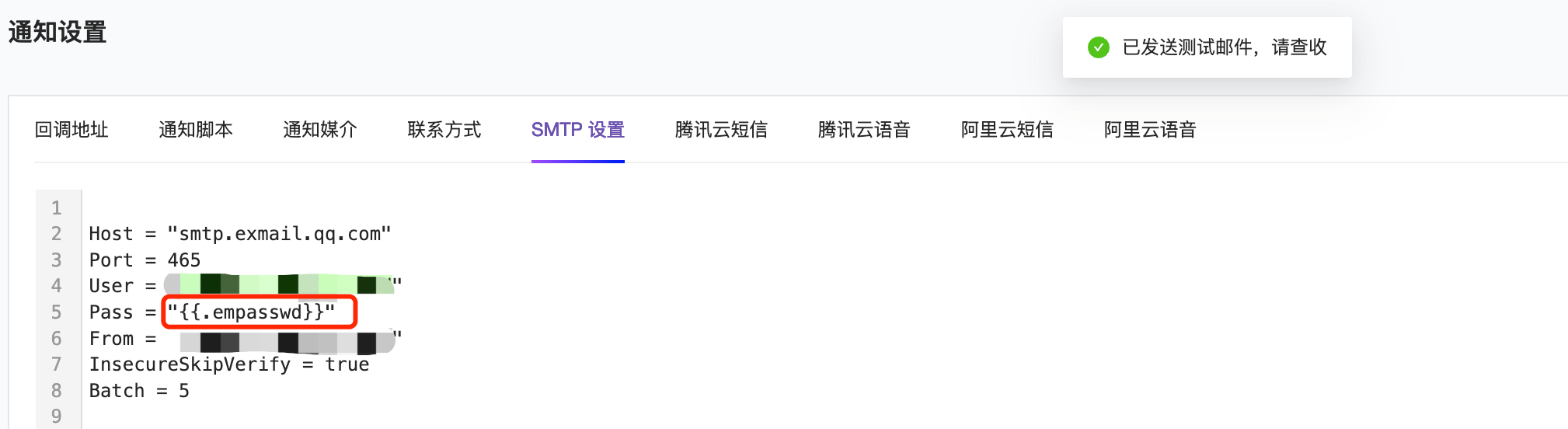
Using variables in SMTP
Using variables for SMTP password setting. The same applies to Tencent Cloud and Alibaba Cloud.
-
Receiving emails
-
Creating variables used in Categraf collection configuration (Professional version feature)

-
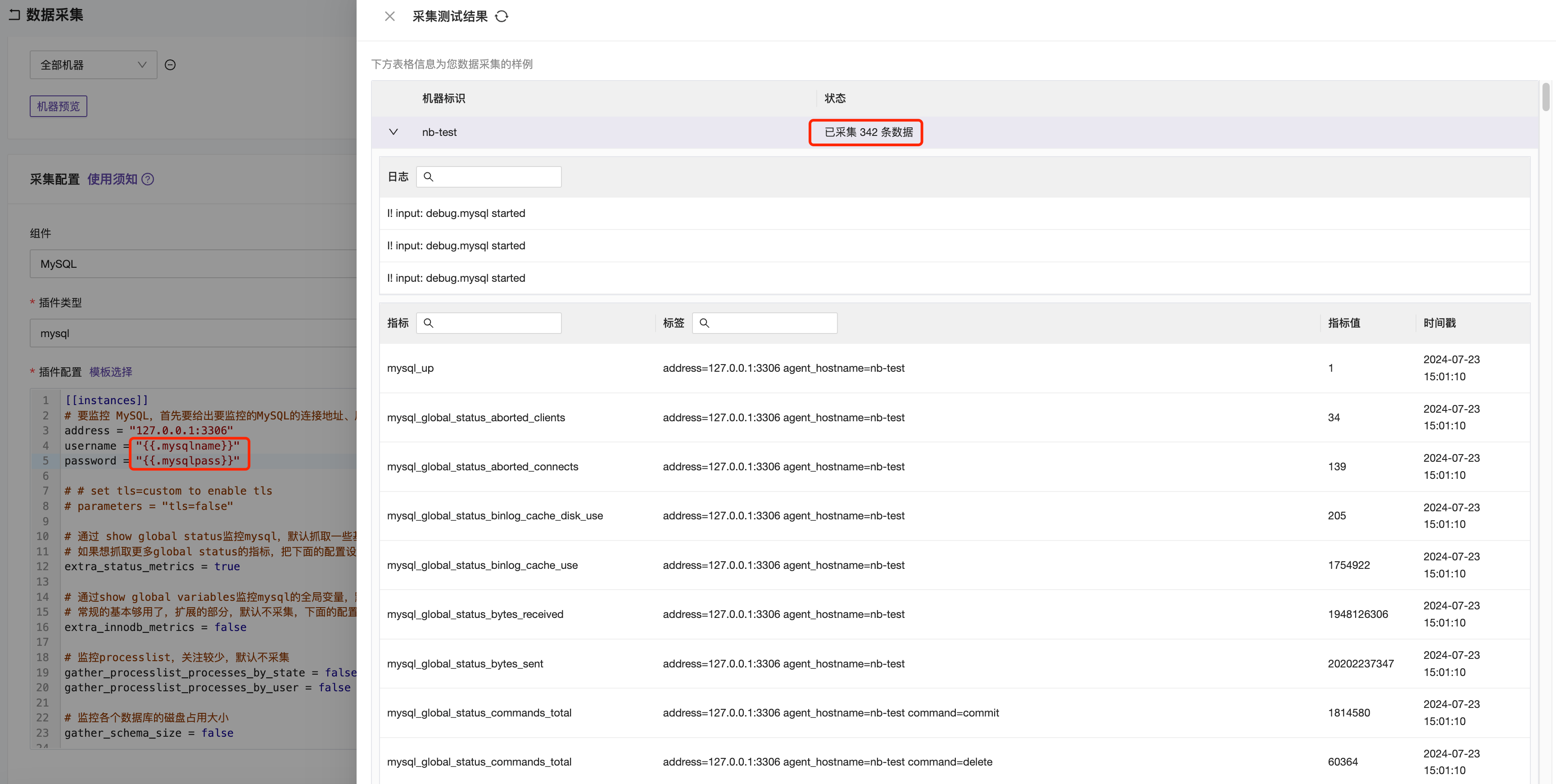
Using variables in collection configuration